The console now has a planning mode directly in the map view. That way you plan poster locations in context before the campaign:
- Check, reserve, and prepare locations without switching views.
- Planned spots are shown as taken down (gray).
- Faster alignment with teams before posters go up.
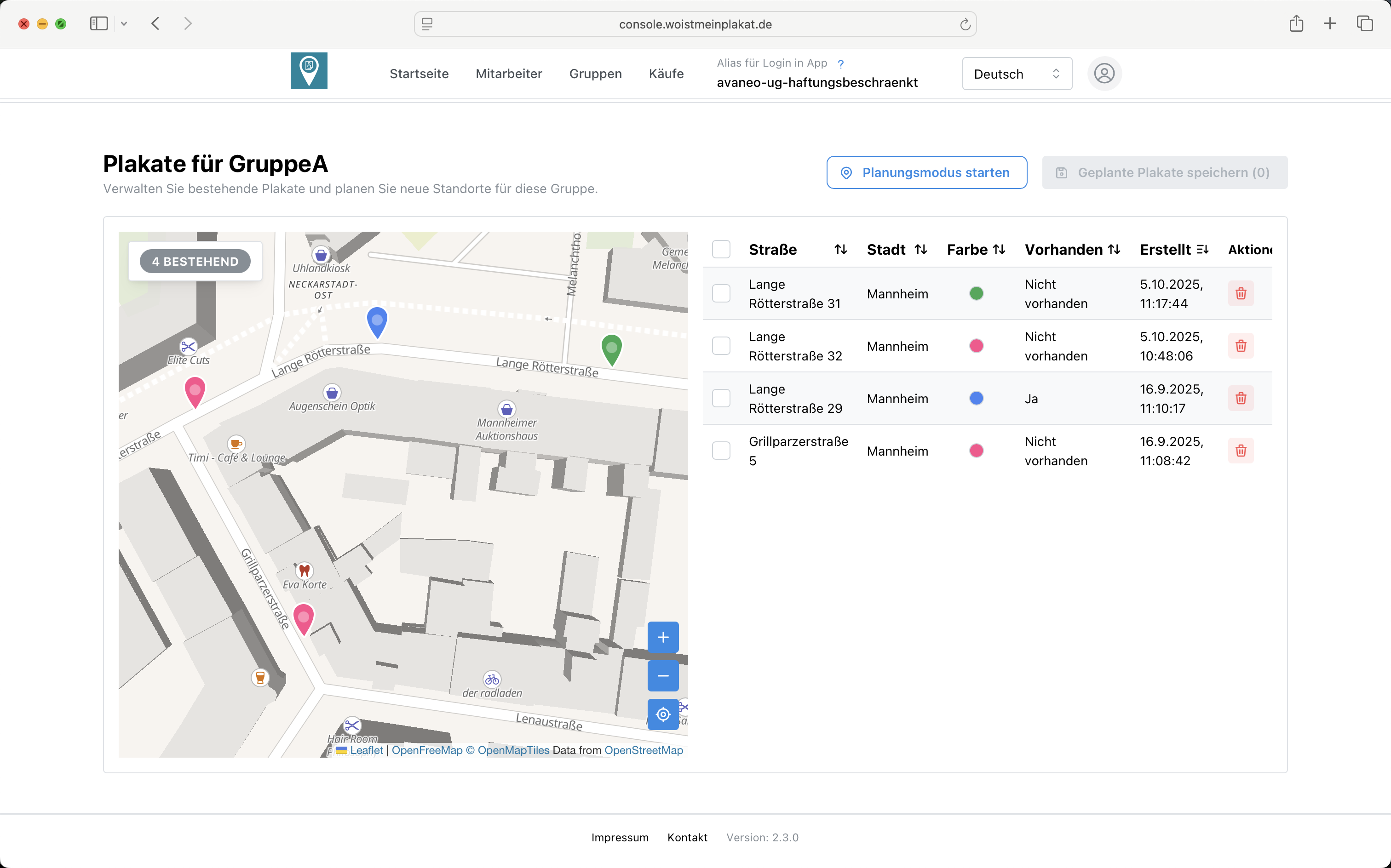
How to use it:
- Open the map view and switch to planning mode.
- Mark locations and save.
- Align with your team and move them into the active campaign.
Try the new mode in the map view and share your feedback.